Signing commits
Gitember can sign new commits and tags with SSH or OpenPGP (GPG). Signing is configured once in global settings and then applied when you commit or create a tag.
See also Git commit signature verification in the Git documentation.
Enabling signing
- Open File → Settings.
- Open the Commit Signing tab.
- Choose a Sign option:
- None — do not sign (default).
- Ssh — SSH signatures (
gpg.format=ssh). - Pgp — OpenPGP signatures (
gpg.format=openpgp).
- Fill in the key field:
- SSH: Path to pub key — the public key file used as
user.signingkey(for example~/.ssh/id_ed25519.pub). The matching private key, or an SSH agent that holds it, must be available when you commit. - PGP: Signing key — the OpenPGP key id (for example
A7512BA8).
- SSH: Path to pub key — the public key file used as
- Turn on Sign commits and/or Sign tag as needed.
- Click OK.
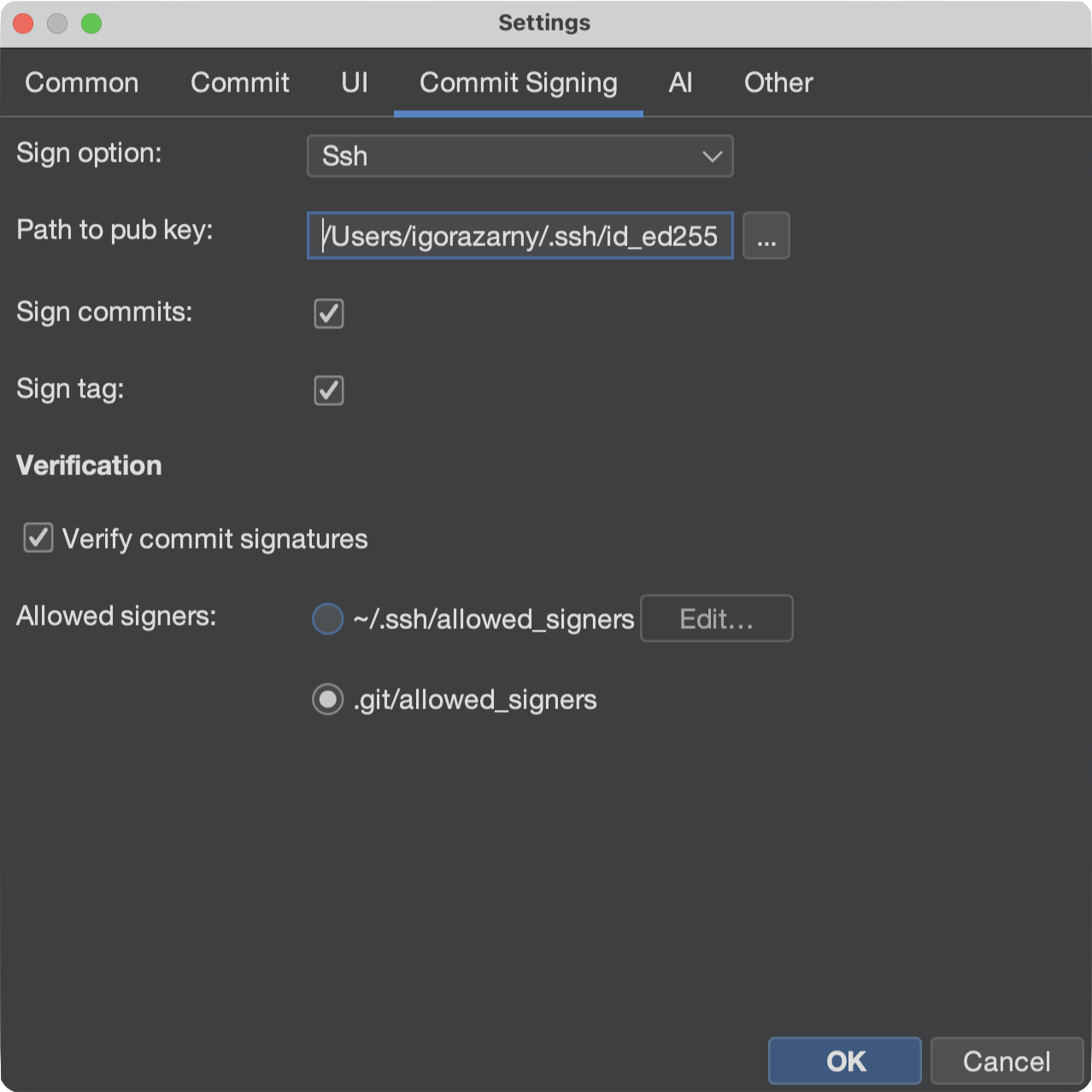
Signing and signature verification are independent. You can sign your own commits without turning verification on, and you can verify other people's commits without signing yours.
Creating a signed commit
Stage files as usual, then commit (Commit on the toolbar, or Repository → Commit …).
When Sign commits is on, Gitember sets gpg.format and user.signingkey on the repository
and asks JGit to sign the commit.
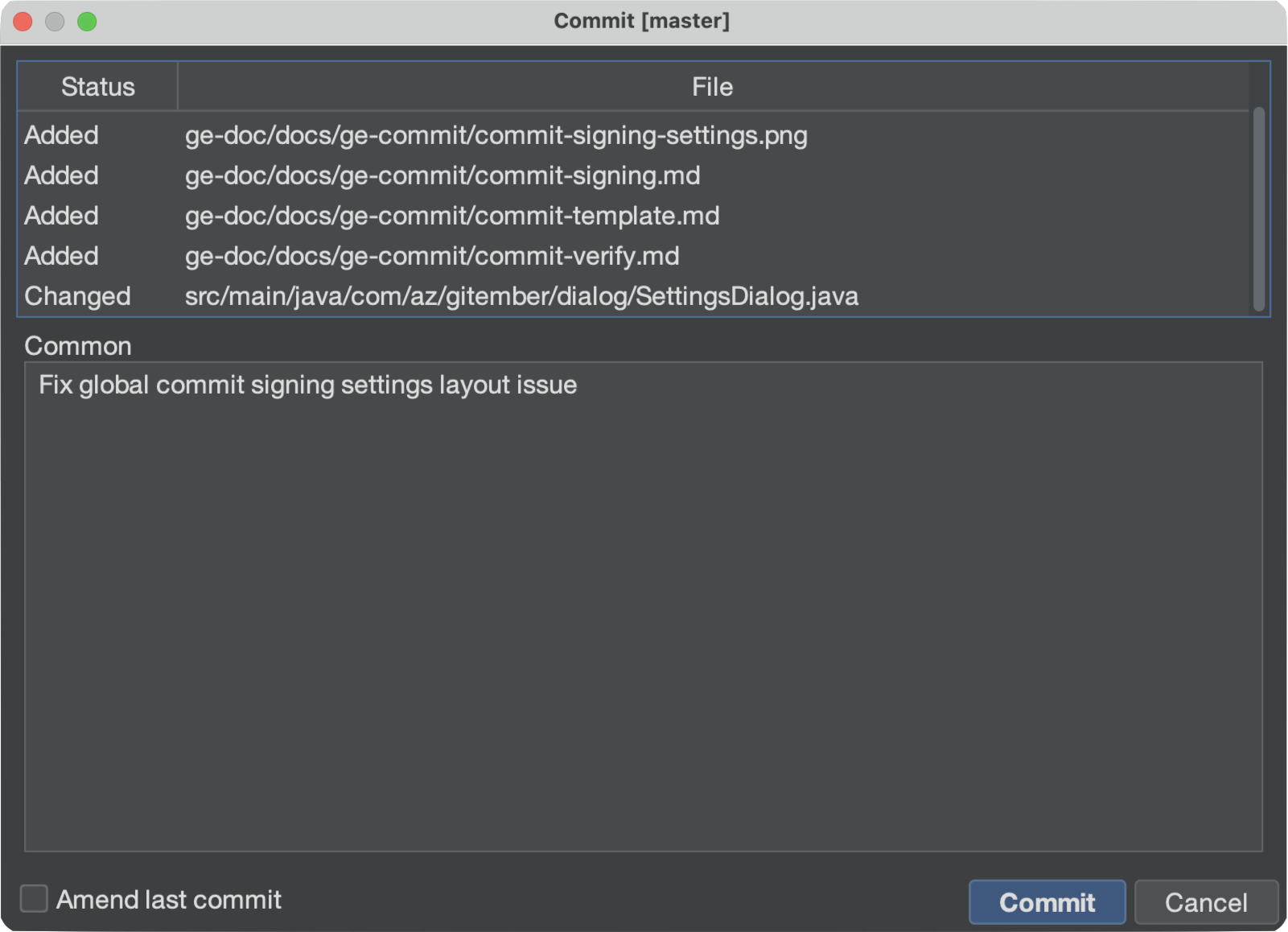
After the commit, History shows a key icon next to the author on signed commits. The commit detail panel also shows a Signature row. Checking whether that signature is trusted is a separate step — see Verifying signatures.
Signing tags
When Sign tag is on, annotated tags created from History or the Branches panel are signed with the same key.
SSH vs PGP
| SSH | PGP | |
|---|---|---|
| Typical key file | ~/.ssh/id_ed25519.pub (and the private key / agent) | GPG keyring |
| Settings field | Path to the public key file | Key id |
| Who can verify it | People who list your key in an allowed_signers file | People who have your public key in their GPG keyring |
For SSH, the file you pick in Settings is a normal *.pub key file. That format is not
the same as a line in allowed_signers — see
Allowed signers file format.